
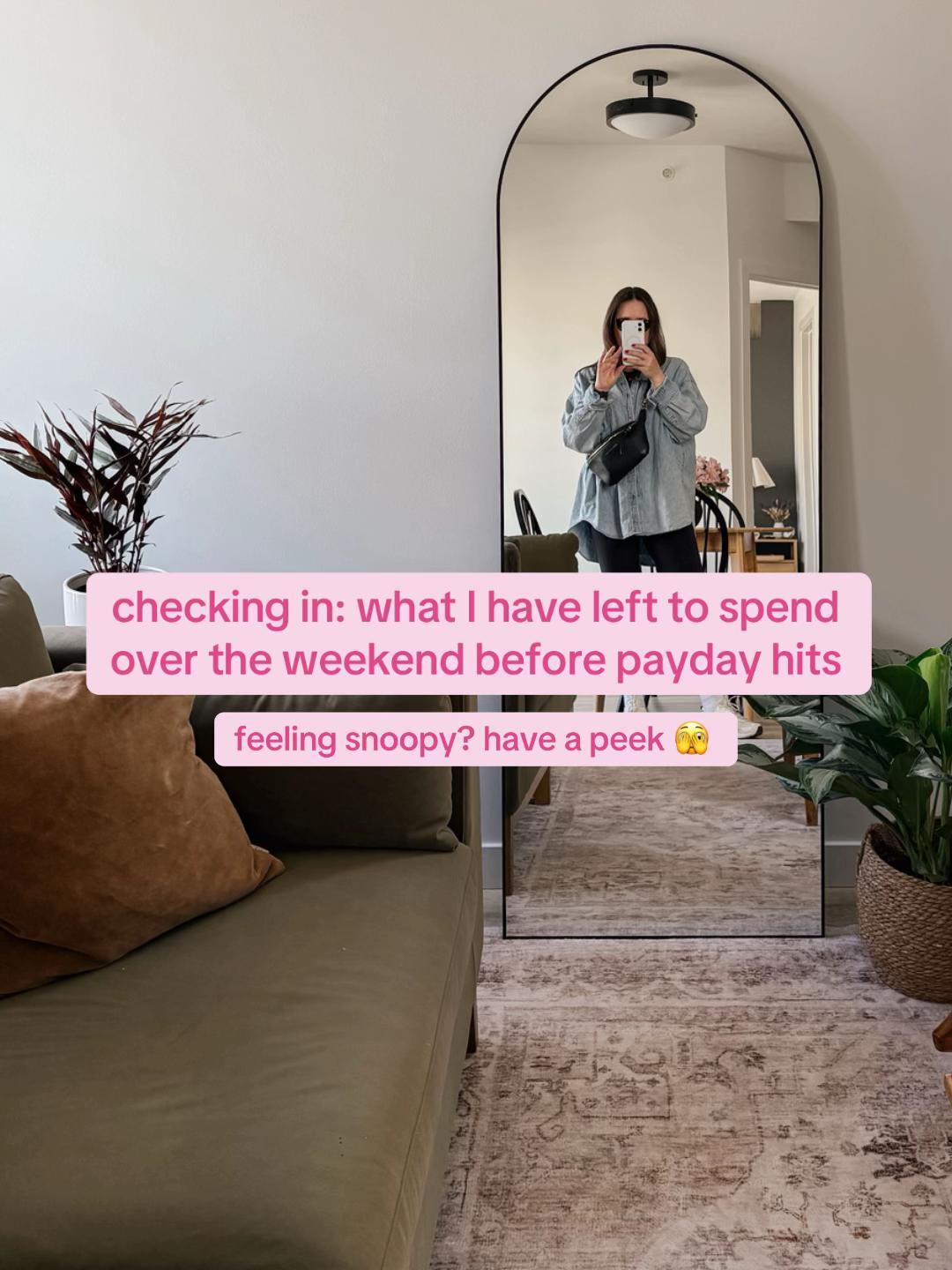
“A voyeuristic check-in slideshow you can use to promote a finance app - tease pre-payday spending limits, then swipe through realistic category envelopes before revealing the full tracking dashboard.”
Original caption: #budgetcheckin #budgeting #expensetracking #envelopesystem
Posted on TikTok
5/5 reach magnitude vs the account's own baseline.
How hard it moved viewers to save, share, and comment.
Why this qualified
An outlier is a post that beats the account's own baseline, and this slideshow one did by 1029x - 1M views where a normal post on the account lands near 972. Reach on that scale is a signal about the post, not the audience size, which is exactly why Handler pulls it into the library instead of letting it scroll past.
The product behind the post is A digital envelope budgeting app. Pull came in at 5/5, 13.4% on the weighted scale - Handler's read on saves, shares, and comments, with saves and shares counted heaviest because they are the actions that carry a post into new feeds rather than just marking approval.
Underneath the two scores sit the actual counts - 53K likes, 179 comments, 1.8K shares, and 18K saves - the raw engagement Handler reads to place the post in its niche.
The full breakdown - why the hook works, the comment-intent read, and the ready-to-shoot dupe kit - lives inside Handler.
Anatomy
The post opens on a title slide displaying text overlays framed around a budget check-in and cash envelope system. Across nine distinct slides, the presentation advances through sequential beats detailing expense categories, digital logs, or physical envelope allocations. The pacing is static and user-driven, relying entirely on visual data without background audio or spoken narration. High-contrast text overlays label specific expense figures and balance totals on each frame. The featured expense-tracking tool appears centrally in every image, showing filled categories and itemized totals, before ending on a final balance summary screen matching the topic tags in the caption.
How this post compares
Its 1M views run about 3.8x the median of recent finance outliers in the library. That reach multiple ranks in the top 7% of the 496 finance outliers we currently track. Its Pull score sits in the top 31% of that same set.
Saves did the heaviest lifting on its Pull score - the action TikTok rewards most. It is one of the few Slideshow breakouts among recent finance outliers in the library, just 10% of the pool.
More outlier TikTok posts
Another Envelope Budgeting outlier
Another Envelope Budgeting outlier
Same Slideshow format
Same Slideshow format
Same Slideshow format
Same Slideshow format
Silent UGC in Finance
A similar 1725x outlier
Silent UGC in Finance
A similar 1298x outlier
A similar 964x outlier
A similar 1480x outlier
Want to dupe these outliers for your own app?
Handler doesn't just list the winners - it rebuilds them as your own. Your brand's AI creator, your product in every shot, the regeneration prompt and brand overlay done for you.