
A farm of real iPhones.
Run from your Mac.
iOS Farm is Handler's open-source phone farm: register physical iPhones, watch and control them live in the browser, and schedule TikTok automation on a durable Postgres-backed scheduler. Free, self-hosted, and nothing phones home.
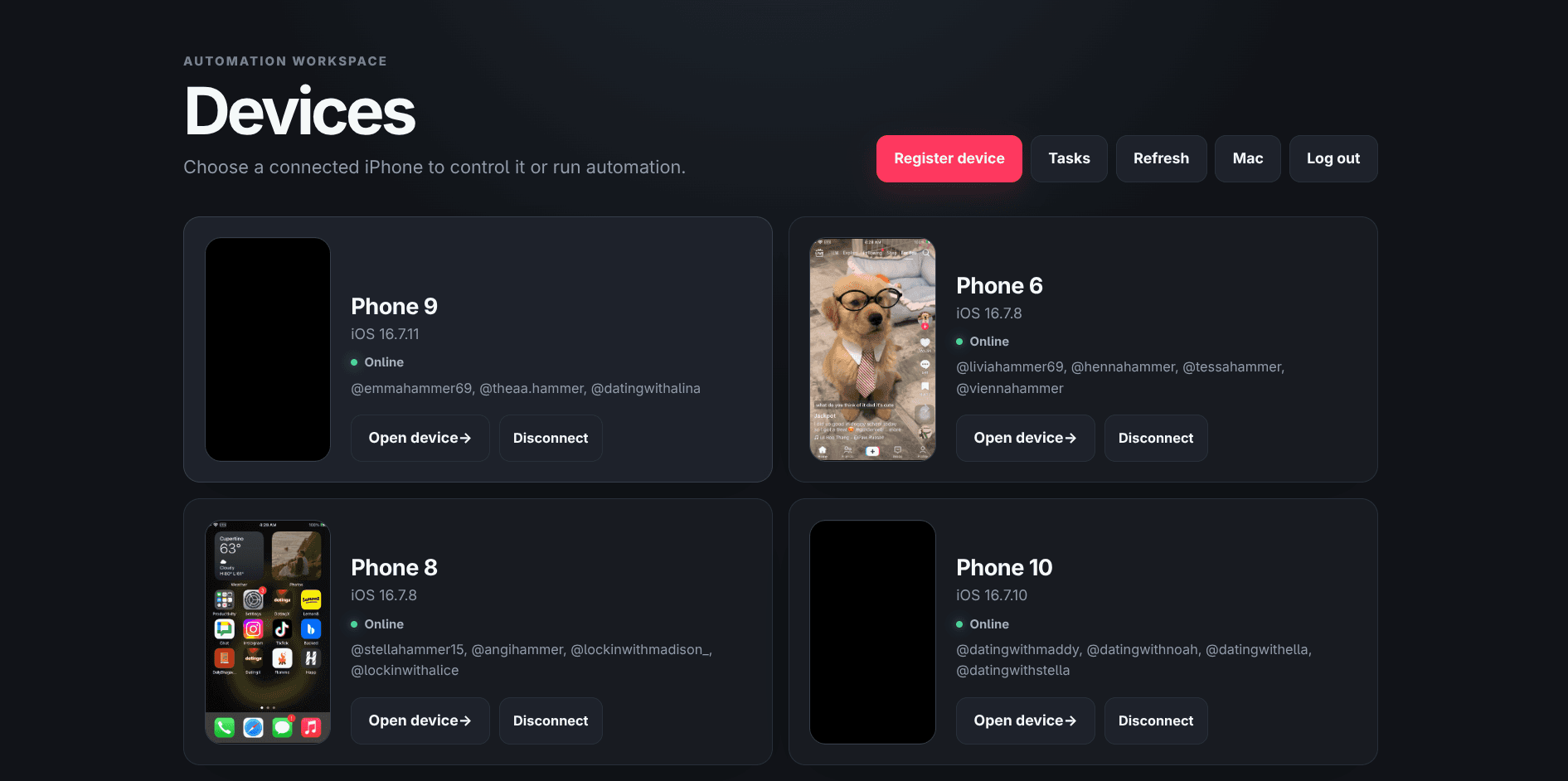
Every phone, live in the browser
Open any device and you get its screen streaming live - click to tap, drag to swipe, with hardware buttons, unlock, and volume on the side. Next to it: one-click TikTok automation and a live log of everything the phone is doing.
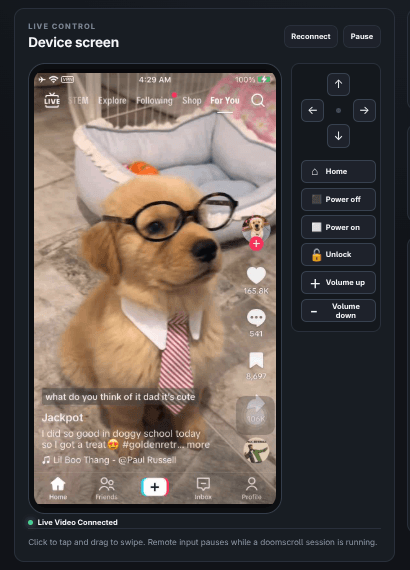
Automation that survives a reboot
Doomscroll sessions with a personality and a duration. Posts and slideshows uploaded, drafted, or published on a schedule - now, once, daily, or weekly. Every run is persisted in Postgres with full logs and history, so a crash or restart never loses your queue.
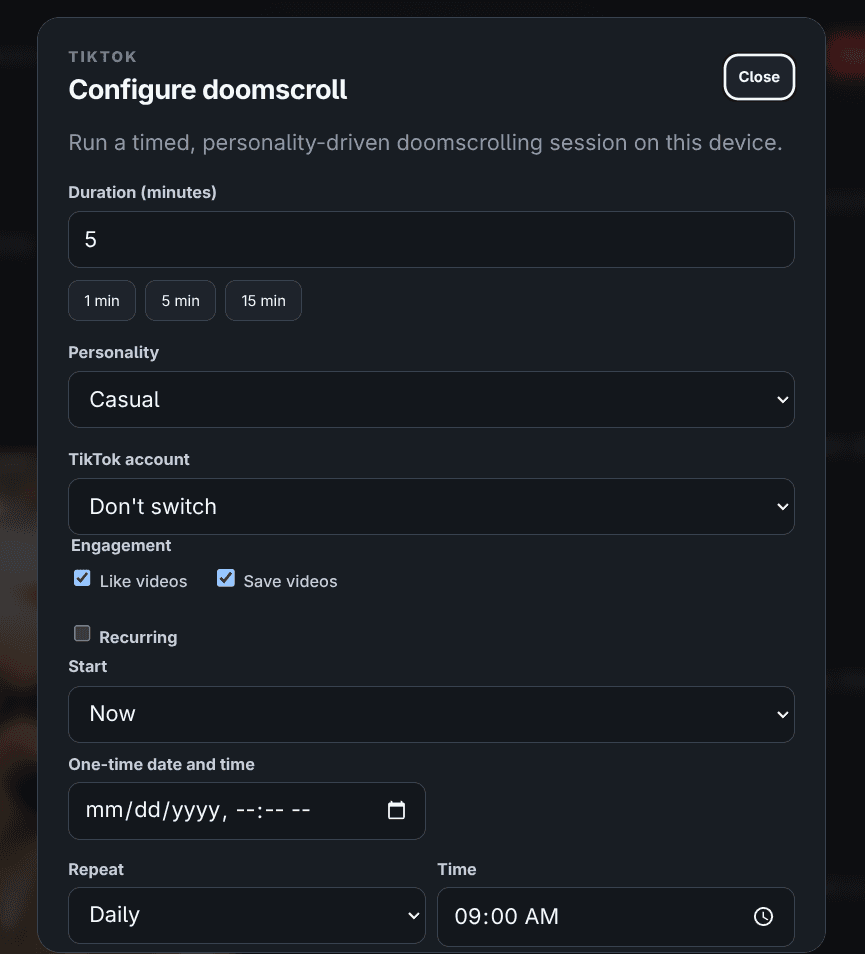
From zero to a running farm
Seven steps, in this exact order. Follow them verbatim on a fresh Mac and you end with a registered iPhone running automation.
- 1
Check the requirements
Five things, all on the Mac that will run the farm:
- A Mac with Xcode. The full Xcode app, not just the command-line tools. It builds and signs WebDriverAgent for your phone.
- Node.js 22+. The services run TypeScript directly - no build step.
- PostgreSQL 14+. A ready-to-run database ships in the repo via Docker, or bring your own.
- A physical iPhone. iOS 16, 17, or 18. Connected over USB, unlocked, with Developer Mode on.
- An Apple Developer team. To sign WebDriverAgent. A free personal team works for one device.
- 2
Clone and install
Pull the repo, install the packages, and install the iOS driver:
git clone https://github.com/Git-Agni/prod-FARM-IOS-Core.git phone-farm cd phone-farm npm install npm run appium:install-driver - 3
Configure your .env
Copy the template, then fill in five values:
cp .env.example .envIOS_PLATFORM_VERSION your iPhone's iOS version, e.g. 16.7 - it must match the device XCODE_ORG_ID your Apple Development Team ID (Xcode -> Settings -> Accounts -> your team) WDA_BUNDLE_ID a bundle id you control, e.g. com.yourorg.WebDriverAgentRunner DATABASE_URL postgresql://USER:PASS@127.0.0.1:5432/DBNAME POSTGRES_PASSWORD required by the bundled Docker database - 4
Start the database
Bundled Postgres in Docker, then the schema. The migrate step is safe to re-run any time:
npm run db:up npm run db:migrate - 5
Build WebDriverAgent
Connect the iPhone over USB, unlock it, and accept Trust This Computer. Then build the agent that drives it - run this from a normal graphical login session (Terminal.app), not a bare SSH shell, because code signing needs your login keychain:
npm run wda:prepareIt ends with ** TEST BUILD SUCCEEDED **. If Developer Mode has never been enabled on the phone, pairing it with Xcode once makes the toggle appear under Settings -> Privacy & Security -> Developer Mode.
- 6
Run the four processes
One terminal each (or wrap them in launchd for an always-on Mac - see below):
npm run appium
npm run wda:service
npm run worker
npm run web
The dashboard is now at http://127.0.0.1:3000. A quick health check: GET /health returns { "ok": true } with the loaded plugins.
- 7
Register your iPhone and automate
Open the dashboard and click Register device. The wizard walks the phone through every check - connection, signing, WebDriverAgent, video, touch, TikTok - and re-runs them all before saving. Unlock the phone when WDA first launches. When it lands on the device grid, open it: you get the live screen with remote tap and swipe, and one-click TikTok automation - a timed doomscroll session or a scheduled post, run now or on a daily or weekly schedule.
Built for a Mac that never sleeps
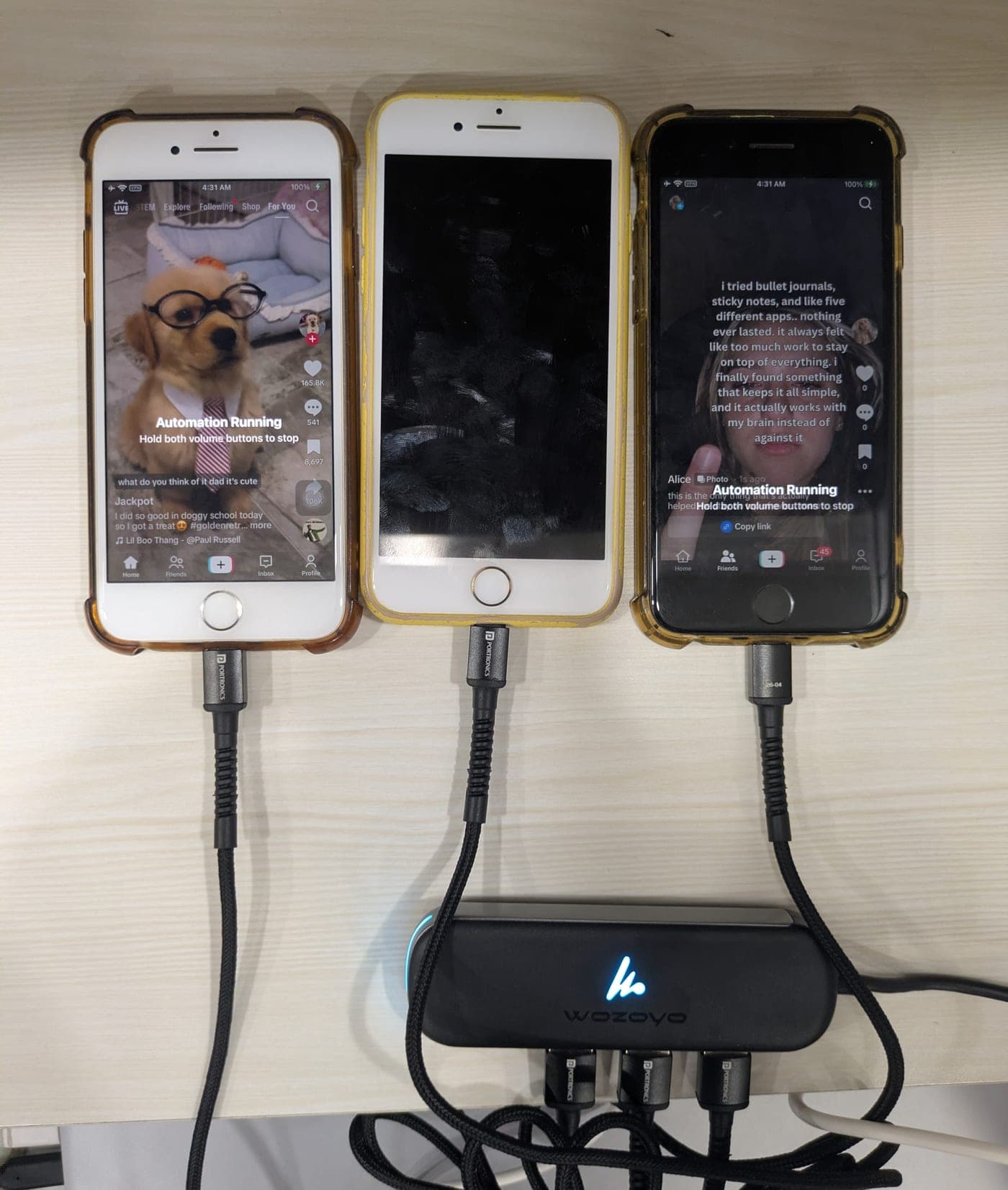
For a farm that runs around the clock, wrap the four processes in per-user launchd agents and set the machine up once: raise the open-file limits (WebDriverAgent is hungry - sudo launchctl limit maxfiles 262144 524288), disable sleep (sudo pmset -a sleep 0 disablesleep 1), and give every iPhone its own port on a powered USB hub - bus-powered hubs reset under the load and take the phones with them.
The dashboard binds to 127.0.0.1 by default, and the server refuses any other bind until you configure an authentication provider - so a farm can never end up on the open internet by accident. To reach it remotely, put a tunnel with access control in front, or wire in your own AuthProvider plugin.
If something bites
| Symptom | Fix |
|---|---|
| wda: error ... stale or corrupted | Re-run npm run wda:prepare and delete ~/Library/Developer/Xcode/DerivedData/WebDriverAgent-*. |
| wda: unlock-required | Physically unlock the iPhone once. |
| WDA reinstalls in a loop | Unstable USB - a bad hub or cable. Move the phone to a direct Mac port and reboot it. |
| Appium is unavailable on port 4725 | npm run appium is not running, or a stale process holds the port. |
| The web dashboard returns 401 everywhere | An auth provider is configured - sign in, or unset PHONE_FARM_AUTH_PLUGIN on loopback. |
iPhone farm questions, answered
What is iOS Farm?
iOS Farm is an open-source application for operating a farm of physical iPhones from a Mac. It gives you guided device registration, a live phone screen in the browser with remote tap and swipe, a Postgres-backed scheduler with run history, and a built-in TikTok automation plugin for timed doomscroll sessions and scheduled posts.
Is iOS Farm free?
Yes. It is open source under the Apache-2.0 license and fully self-hosted - your Mac, your phones, your database. No account, no fees, nothing phones home.
What do I need to run it?
A Mac with Xcode, Node.js 22 or newer, PostgreSQL (a ready-to-run one ships in the repo via Docker), and a physical iPhone on iOS 16-18. A free Apple personal development team is enough to sign WebDriverAgent for one device.
Does it need a jailbreak?
No. iOS Farm drives stock iPhones through WebDriverAgent, signed with your own Apple team - the same mechanism Apple's own UI testing uses.
How many iPhones can one Mac run?
Several - each phone gets its own supervised WebDriverAgent and ports. Use one iPhone per port on a powered USB hub, raise the open-file limits, and disable sleep on the Mac; the guide covers the exact settings.
Is it safe to put on the internet?
By default the dashboard binds to 127.0.0.1 only, and the server refuses to start on any other address until you configure an authentication provider. Put it behind a tunnel with access control, or wire in your own AuthProvider plugin.
Your phones. Your Mac. Your farm.
Clone it, register a phone, and you are farming in under an hour. And when you want to know what is worth posting, Handler finds the outlier TikToks winning in your niche.